




- New
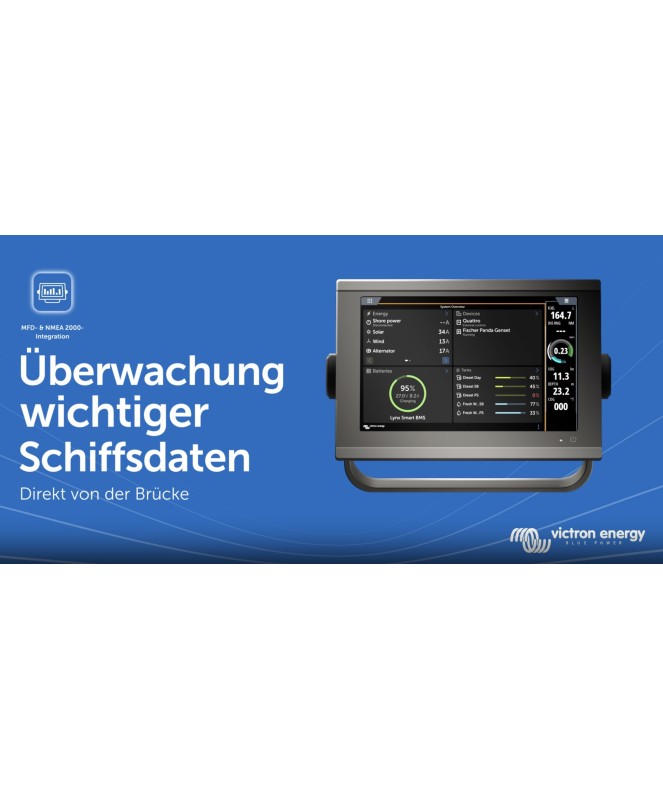

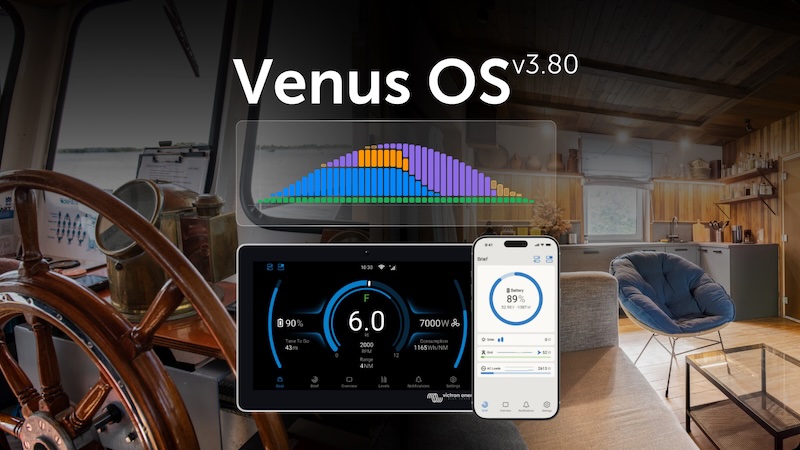
- Excess loads
- EEBus integration
- GX UI portrait mode
- GX control panel improvements
- Bluetooth range extender
- GX Bluetooth BMS readout
- EV charging station improvements



- GX devices such as the Cerbo GX or the MultiPlus GX
can be integrated into most newer MFD chartplotters
- Easily monitor your power supply on the MFD
- Watch the video.
With Victron MFD integration, electrical system data can be displayed directly on a compatible multifunction display at the helm. To do this, a Victron GX device collects information from connected battery monitors, inverters, chargers, solar charge controllers, sensors, and other system components and provides it to the marine chartplotter.
This simplifies navigation and Onboard power monitoring on a central display integrated. Depending on the integration method and the connected devices, not only can measurement values be displayed, but selected functions of the Victron system can also be controlled.
The HTML5 app hosted on the GX device provides a preconfigured Victron system overview on the MFD. Depending on the manufacturer, the application appears, for example, via Garmin OneHelm, Raymarine LightHouse apps, or the app view of the respective chartplotter.
This option is suitable when you want to display battery levels, shore power, solar production, loads, and other Victron data on a single interface. The app requires a Ethernet connection between the GX device and the MFD required. For some manufacturers, an MFD-specific Ethernet-to-RJ45 adapter is also required.
Using the NMEA-2000-out function, a GX device can forward data from connected battery monitors, inverters/chargers, and other components to the NMEA-2000 network. The MFD can then display supported values in its own instrument panels or on custom-designed data pages.
This requires a properly configured NMEA-2000 backbone and a suitable VE.Can-Anschluss as well as the appropriate VE.Can-zu-NMEA-2000-Micro-C-Kabel required. Which PGNs and data fields are actually displayed depends on the MFD model and its software.
Victron documents integration options for the following manufacturers. The mention of a brand does not imply that every model is supported. Before planning, you should verify the exact model, its firmware, the required adapters, and the desired range of functions.
| Manufacturer | Integration Guidelines |
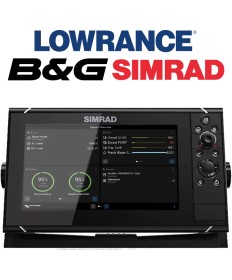
| Simrad, B&G, and Lowrance | Navico integration via Ethernet or NMEA 2000. Compatibility varies by model series. Open Victron information about Navico. |
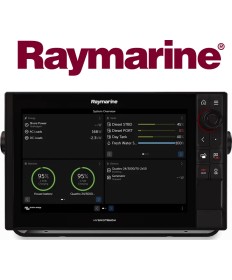
| Raymarine | The app integration supports documented Axiom, Axiom Pro, and Axiom XL systems with a compatible version of LightHouse. A suitable RayNet adapter is required for Ethernet. Open Victron information about Raymarine. |
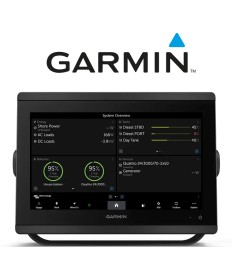
| Garmin | Integration via Garmin OneHelm using Ethernet or NMEA 2000. Victron documents, among other things, selected GPSMAP series; newer BlueNet systems require compatible network cables or adapters. Open Victron information about Garmin. |
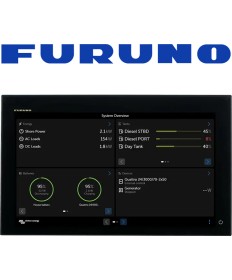
| Furuno | App integration is documented for certain NavNet TZtouch3 models and the TZT2BB Black Box. Please note the minimum software versions and limitations of the NMEA-2000 display. Open Victron information about Furuno. |
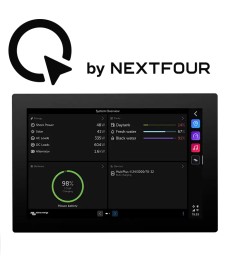
| Q Display | Q Display can be connected to a Victron GX device via a network connection. The Victron interface is opened by tapping the corresponding icon on the MFD. Open Victron information about the Q Display. |
| Maretron | Victron describes how Maretron MFDs and N2KView receive transmitted NMEA-2000 data. This should not be confused with Victron's proprietary HTML5 app. Open the Victron Marine Integration Guide. |
The available features depend on the components connected to the GX unit, the type of integration, and the MFD. The Victron app can consolidate the following information, among other things:
| Requirement | Appropriate Approach |
| Complete Victron System Overview | HTML5 App via Ethernet |
| Individual values in separate instrument panels | NMEA 2000 |
| System Overview and Freely Positionable Data | Ethernet and NMEA 2000 in Parallel |
| Retrofit without an existing NMEA-2000 network | If the MFD is compatible, check the Ethernet app first |
To ensure a reliable solution, the MFD model, firmware, GX device, existing onboard electrical system, and desired functions must all be considered together. With NMEA 2000 in particular, the backbone configuration, termination, power supply, galvanic isolation, and data instances are all relevant to the installation.
AUTARKING helps you select the right GX components and plan their integration into your boat's electrical system. Your expert for customized, self-sufficient, and mobile energy solutions – AUTARKING AG, Victron Distributor & Support.
No. Compatibility depends on the manufacturer, model, software version, and type of integration. Therefore, please check the specific MFD using the current Victron documentation and the manufacturer's manual.
For the centralized consolidation and provision of system data, a GX device such as the Cerbo GX or Ekrano GX. Devices that already have the GX function built in may also be suitable.
The Victron HTML5 app requires an Ethernet connection. NMEA 2000 is used when Victron data is to be displayed in the MFD's instrument panels. Both connections can be used simultaneously.
Depending on the system, the Victron app can be used to control, among other things, the shore power limit and the operating mode of an inverter/charger. The actual range of functions depends on the connected components, the MFD, and the configuration.
A GX Touch is not strictly necessary for display on a compatible MFD. However, it can be useful as a separate local user interface and can be used independently of the chartplotter.
That depends on the MFD manufacturer. Raymarine, Garmin, and Navico require a manufacturer-specific adapter or network cable, depending on the device. According to Victron, a standard Ethernet cable can be used with the documented Furuno systems.

- GX devices such as the Cerbo GX or the MultiPlus GX
can be integrated into most newer MFD chartplotters
- Easily monitor your power supply on the MFD
- Watch the video.