

- New

- Excess loads
- EEBus integration
- GX UI portrait mode
- GX control panel improvements
- Bluetooth range extender
- GX Bluetooth BMS readout
- EV charging station improvements

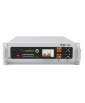

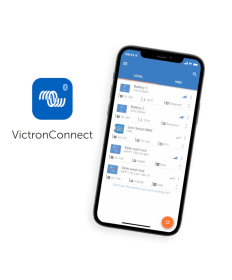
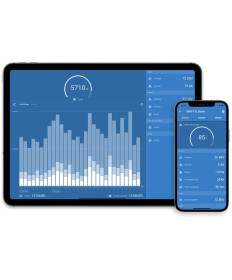
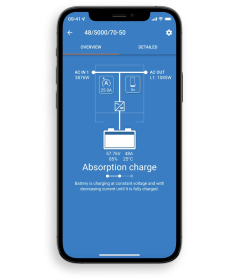
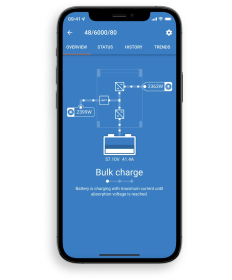
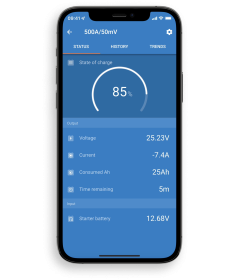
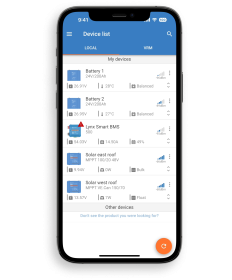
Effortlessly monitor, configure, and update your devices. Manage them with simple controls.
Easily connect to Victron Smart products via Bluetooth, USB/Wi-Fi/LAN, or remotely via the Internet.
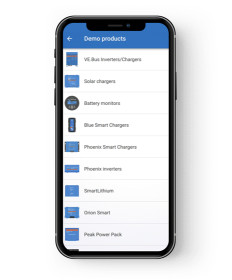
Discover the power of VictronConnect with the app’s built-in demo library.
Monitor
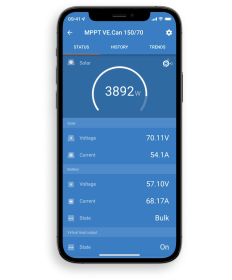
Monitor Smart products in real time, view their history up to 30 days back, and check if everything is running normally.
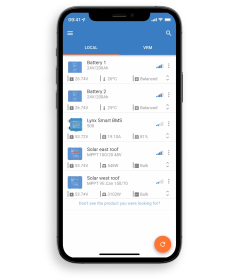
Battery status, solar yield, AC loads, fuse status
Configure and Update
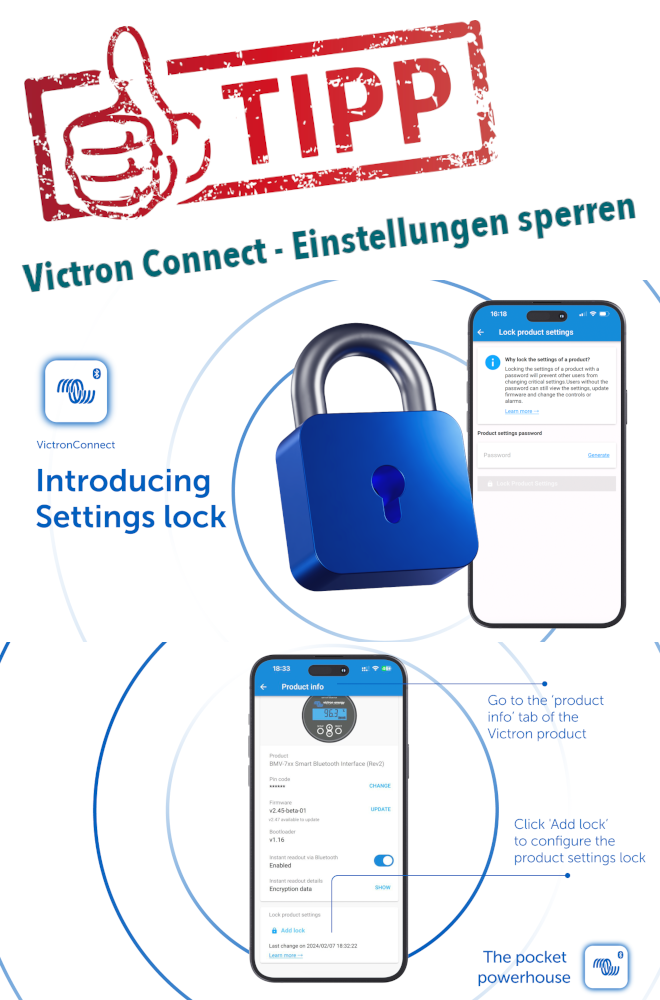
Configure devices, set smart alarms, and perform secure firmware updates.
Configure devices, set alarms, update firmware
The smart app that takes the pressure off
VictronConnect is the perfect tool for efficiently configuring systems and seeing everything you need to know about their status and performance.
Check your entire system in a fraction of a second.
Check in an instant whether all your devices are working properly. Thanks to the "Instant Readout" in the device list, all important parameters and details are immediately available without having to wait for the data to load.
Save time during commissioning and troubleshooting
Save timewhen configuring andcommissioning new systems. Efficiently clone systems by loading a perfect settings file onto another system. View saved trends for up to 30 days for easy troubleshooting. Check in remotely to change a setting. All via the VictronConnect app.
Stay up to date with alerts
The status and behavior of connected products can be easily checked and explained in the app. Potential issues are detected early thanks to configurable alerts that appear when you open the app.
Smart Products
Smart products simply establish a local connection to the app via Bluetooth. Other products may use WiFi or LAN to connect. Check the product datasheets to see if they work with VictronConnect.
Victron Connect Remote
Activate VictronConnect Remote with a remote communication device to view all your connected products in the VictronConnect app, no matter where you are.
Discover the full capabilities of VictronConnect
In the app’s demo library, you can view all available settings for all smart products and discover their full potential.
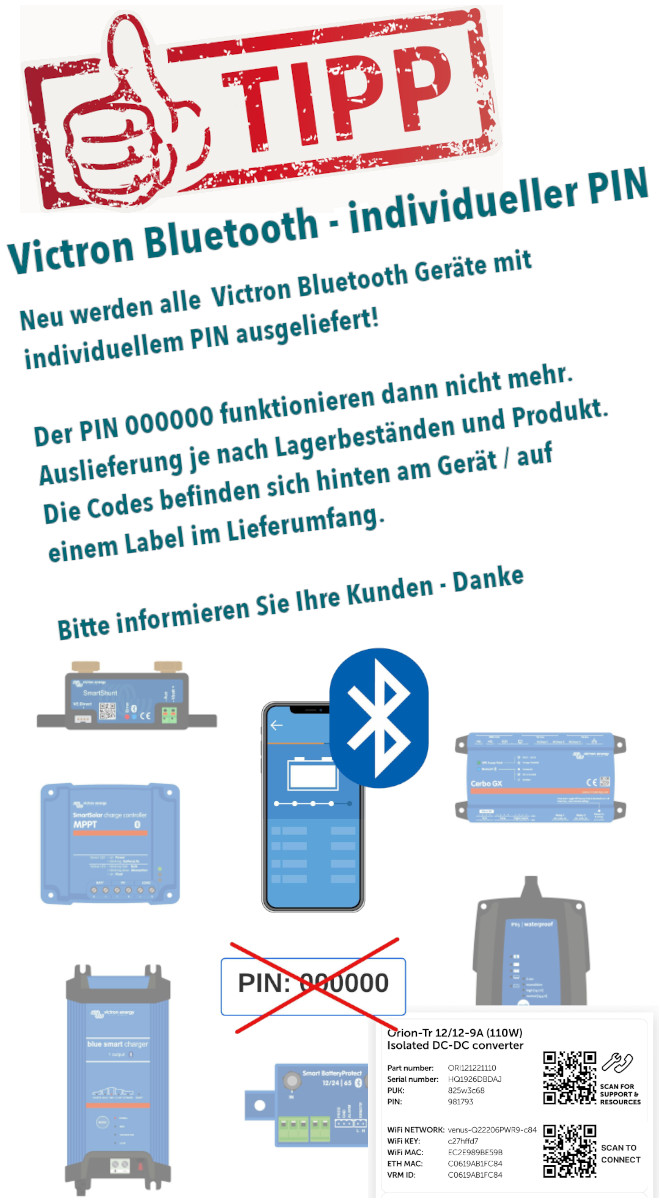
Having trouble connecting to VictronConnect via Bluetooth?!
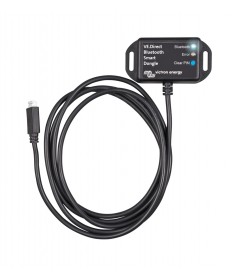
With VictronConnect, you can view live status information and configure all Victron products that either have a built-in Bluetooth function or are connected to a VE.Direct Bluetooth Smart Dongle.